iOS 26.0.1 breaks scrolling for some banking apps

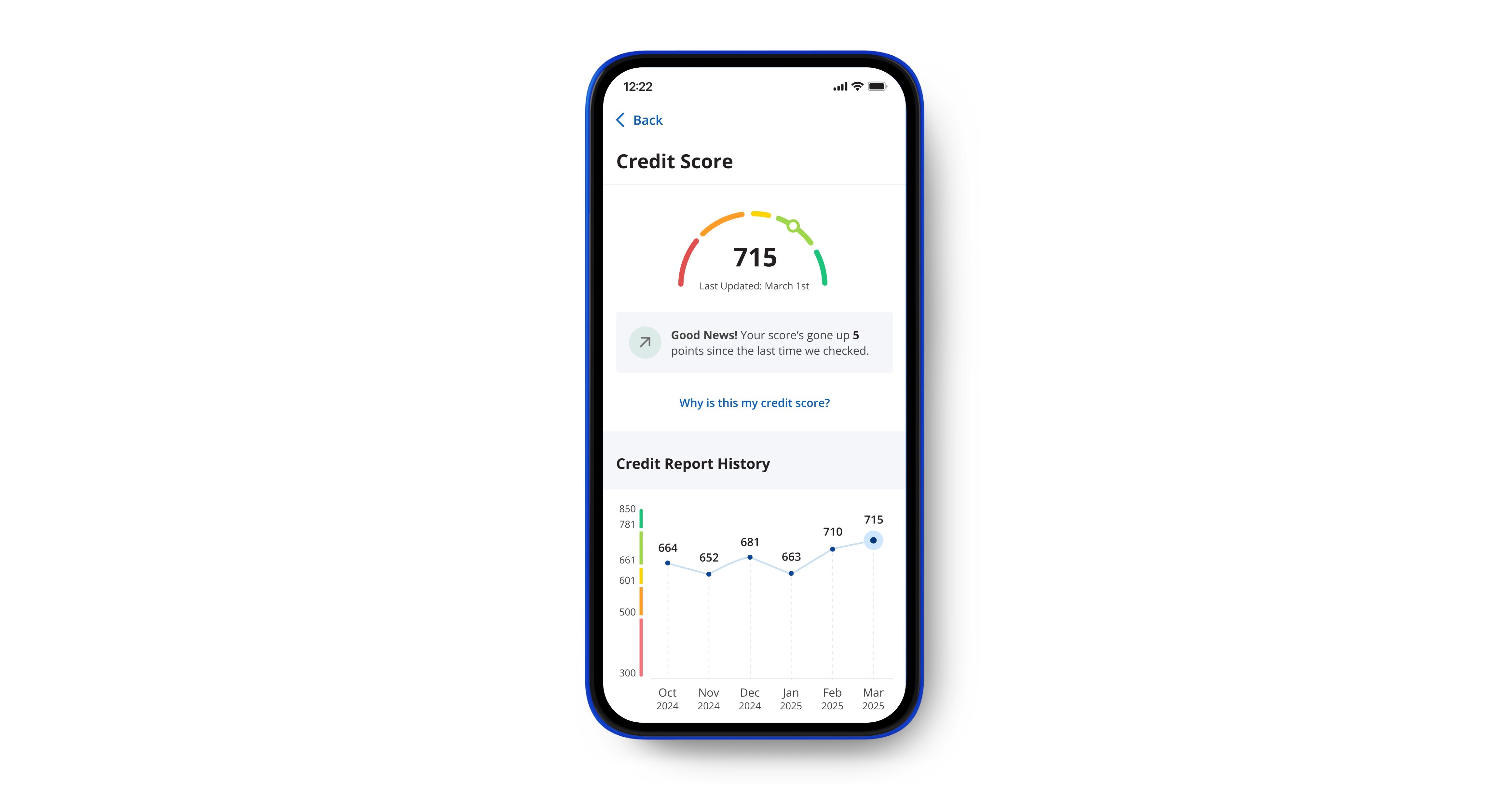
A new bug in iOS 26.0.1 is blocking users from scrolling inside certain banking apps. A few banks have already warned customers about the issue, saying that the app’s thumb bar hides parts of the screen when scrolling. Some users can still log in, but cannot move up or down to see their balance or recent transactions.

The message in one app tells users to switch to digital banking on a laptop until Apple releases the next update. Many customers are frustrated because even basic actions like checking a statement or paying bills are impossible on their iPhones.
People online on Reddit blamed both sides. Some said banks should have tested their apps earlier using Apple’s developer betas. Others believe Apple’s latest update introduced unstable code that broke older apps. Several users said their banks have already submitted a fix but are still waiting for Apple’s approval.
This is a classic example of how a single design mistake can stop an essential app from working. For many users, mobile banking is the main way to manage money, not just a backup option.
Why does this bug happens
The thumb bar likely sits too close to the content area. Apps that don’t follow Apple’s latest safe area layout rules can end up with buttons or text hidden under the system bar. In short, it is a layout problem. When iOS changes how it draws its interface, apps with older layouts can break.
Developers who rely on third-party tools like Flutter or React Native may also face more layout bugs because those frameworks need time to catch up after each iOS release.
How to fix it for now
Until a patch arrives, you can try these steps:
- Update your banking app to the latest version.
- Force close and reopen the app.
- Rotate the screen to landscape and back.
- Reduce your text size in Settings to see hidden options.
- Or use your bank’s website on Safari or a laptop.
These won’t solve it for everyone, but they help in a few cases.
Apple and developers can do this

Apple can speed up the app review process and push a small iOS 26.0.2 patch if the issue comes from the system. Developers, meanwhile, must test their apps on the latest iOS versions before public release. Apple provides developer betas and layout tools that can prevent bugs like this long before they reach users.
This bug joins a list of small but visible issues in iOS 26.0.1, including crashes in Settings and lag in Music. While none of these are serious enough to call the system broken, they show how fragile app compatibility has become. When the bug locks people out of their bank, every scroll suddenly matters.
Apple is expected to release a fix soon. Once it does, the affected apps should work normally again. Until then, the safest move is to use your bank’s website or hold off on major transactions through the mobile app.
A small bar on the screen has turned into a big headache for iPhone users and a reminder that one small update can disrupt the most routine part of daily life.
link